
Voice Cloning and Text-to-Speech
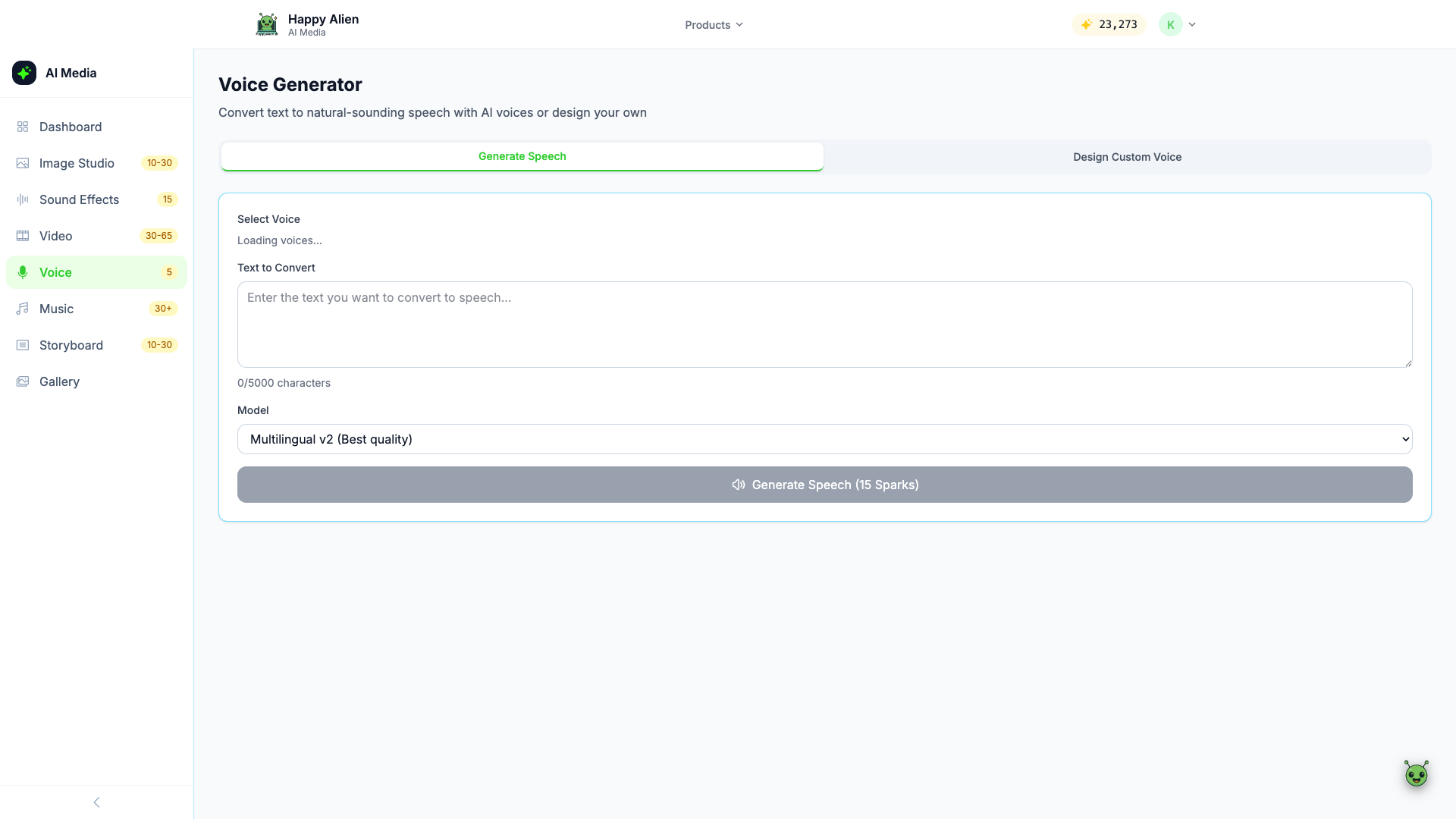
Generate natural-sounding speech from text using AI voices or design your own custom voice.
Getting There
Click Voice in the AI Media Studio sidebar, or go to media.happyalien.ai/voice.
Two Modes
- Generate Speech — Select a pre-made voice and convert text to audio
- Design Custom Voice — Create your own unique voice profile
Generate Speech
- Select the Generate Speech tab
- Choose a voice from the Select Voice dropdown
- Type or paste your text in the Text to Convert field (up to 5,000 characters)
- Choose a model — Multilingual v2 (Best quality) is the default
- Click Generate Speech — Costs 15 Sparks
Design Custom Voice
The Design Custom Voice tab lets you create a voice profile with custom characteristics. Useful for branding or creating a consistent narrator voice for all your courses.
Use Cases
- Course narration without recording a real person
- Quick voiceovers for video content
- Multilingual narration (the Multilingual v2 model supports many languages)
- Prototype narration before recording final audio