
Getting Started with CoursePipeline
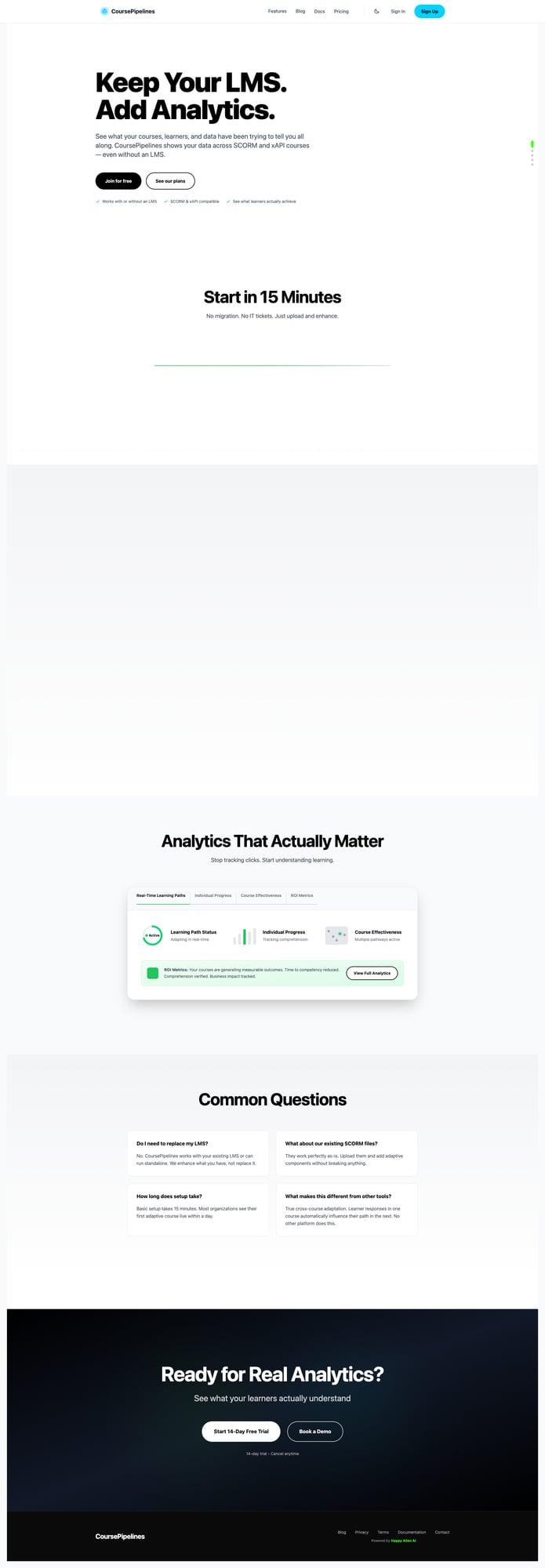
CoursePipeline adds real analytics to your existing LMS. Keep using whatever LMS you have — CoursePipeline layers on top to show you what learners are actually doing across SCORM and xAPI courses.
What CoursePipeline Does
- Works with your existing LMS — No migration, no replacing anything
- SCORM & xAPI compatible — Works with standard eLearning formats
- Real analytics — See what learners actually absorb, not just completion checkboxes
Getting Started
Setup takes about 15 minutes. Most organizations have their first analytics running within a day.
- Sign up at coursepipelines.com
- Upload your existing SCORM files
- CoursePipeline adds adaptive components and analytics tracking
- Deploy the enhanced courses to your LMS
Key Features
- Real-Time Learning Paths — Track where learners are in the course
- Individual Progress — See per-learner completion and engagement
- Course Effectiveness — Measure whether learners are actually learning
- Exit Metrics — Understand where and why learners drop off
Common Questions
- Do I need to replace my LMS? No. CoursePipeline works with your existing LMS or standalone.
- What about my existing SCORM files? They work perfectly. Upload and add adaptive components without modifying anything.